Build an AI newsroom that drafts, lays out and publishes to Zeenly
5 min read
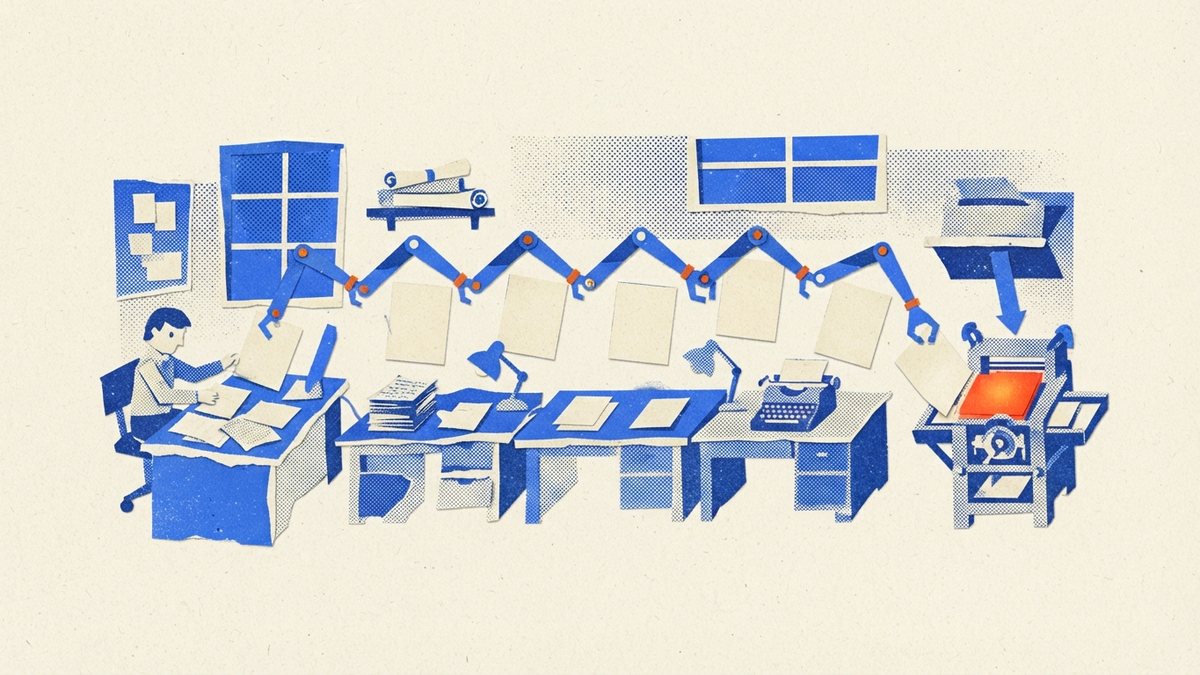
Picture the reporter on a small-town paper. She covers the council meeting, photographs the cake stall, takes the classified ad over the phone and drives the proofs to the printer because the printer's email is down. It's a noble life, and the cake is good, but nobody would design it that way on purpose.
That's most member magazines. One person has an editor's title and six other jobs, and the writing gets whatever's left after the chasing. So when someone says "use AI for the magazine", you open Claude, ask for a 900-word feature, get something beige, and go back to chasing.
You'll get further by treating Claude as staff with shifts. Anthropic's own guide suggests thinking of it as a "brilliant but new employee" who doesn't know your norms. A new employee doesn't get handed the whole magazine on day one. They get a desk.
Set up the building first
Make one Claude Project for the magazine. Put in your style guide, your voice notes, two good past issues, your flatplan template and a short note on who your readers are. Every chat inside the Project starts from those, so you stop re-explaining your magazine each Tuesday.
Then connect Zeenly. You need a Pro or Publisher plan, and it takes about as long as making a cup of tea. Leave Publish unticked for now if you'd sleep better.
Five desks and who sits at them
| Desk | Claude's shift | Your shift |
|---|---|---|
| Planning | Reads your notes and last year's issues, then suggests a running order | Decides what the issue is about |
| Drafting | Turns transcripts and notes into first drafts, marking gaps | Supplies the material and the opinions |
| Subbing | Lists errors, name clashes and style slips, with page numbers | Makes each change |
| Layout | Plans the pages and fits copy to length | Signs off the look, with your designer |
| Publishing | Uploads, publishes, hands back links, drafts the emails | Checks the phone view and adds links |
The right-hand column is the job you were hired for. It'll also be shorter than you expect, and that's the point of the exercise.
Run the drafting desk from material
Each draft starts from something real: an interview transcript, the committee's decision, three emails from members. Paste it in and ask Claude to use only that and to write [NEED: what's missing] wherever there's a hole. This is what stops the copy sounding like AI, and it also gives you a tidy list of phone calls to make.
No material means no draft. If you catch yourself asking for "something on workplace trends" to fill page 22, that page needs a person with an opinion, or it needs an ad.
Be honest about the layout desk
"AI lays out your magazine" is the bit of this idea that gets oversold, so here's how we'd split it.
Claude is good at the thinking around a layout. Give it your page count and your copy, and it'll draft a flatplan, flag the feature that's 300 words over its spread, and write three shorter versions of the standfirst that won't fit. It can also build plain pages, such as event listings or a member directory, as a PDF from a template you've given it, if you allow it to run code. Try that on one section and look closely before you trust it.
Your cover and your features should still come from a designer, or from your own Canva or InDesign template. Readers can tell when a page was thought about. If you've got no designer and no template, start here.
Either way, what comes out the end is a PDF, and that's all the next desk needs.
Hand the last mile to the connector
Once you've got the PDF, publishing day is a short conversation:
Upload this as March 2027 on Zeenly. Don't publish it yet. Give me the reader link.
Open the link on your phone. Then go into the Zeenly dashboard and add your clickable links and videos, because that part stays with a person on purpose. When you're happy, ask Claude to publish it and to give you the short link and embed code. The full publishing afternoon is written up separately.
If a mistake gets through, and one will, fix the PDF and ask Claude to replace it. The reader link, short link and stats all stay, and you've got 24 hours to undo it.
Put a person on every door
The rule that keeps this safe is simple: Claude can prepare anything, and a person approves whatever reaches a reader. That covers every name, quote and figure, plus the moment an issue goes live. Claude doesn't know the treasurer has one N in her name, and it can't tell you that the feature on page 8 will upset the chair.
The first issue done this way won't save you much, since you'll spend the time correcting your new employee. Write each correction into the Project's instructions as you go, so you only have to make it once. By the third issue, you'll have got your Thursdays back.
This week, build only the Project and run one desk: paste in the notes for one short article and see what comes back. It'll tell you more than a month of reading about AI newsrooms, including this article.
Frequently asked questions
Can Claude lay out a whole magazine?
It can plan the pages and build simple ones from a template, which suits news pages and listings. We'd keep a designer or your own Canva or InDesign template for the cover and features.
Do I need Claude Code for this?
No. A Claude Project and the Zeenly connector cover all of it, and you ask for things in plain English.
Will Claude publish without me checking?
Not if you set it up as we describe. New issues arrive in Zeenly unpublished, and you can leave the Publish permission switched off.
How long does it take to set up?
Allow an afternoon for the Project and the connector. Expect the first issue to feel slower, because you'll be correcting Claude as you go.