How to turn a PDF into a digital magazine (and when a PDF is enough)
3 min read
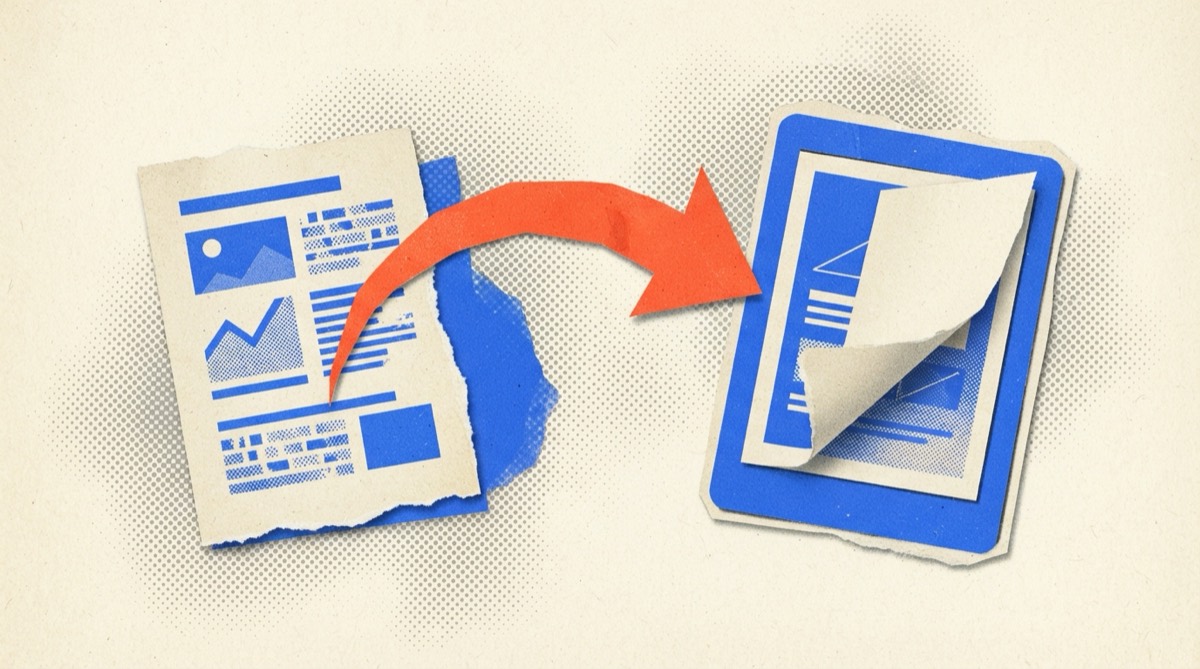
You have a finished PDF. It's 24 pages, laid out in Canva or InDesign, and it's good. Now you need members to read it.
Emailing a 20 MB attachment is the worst way to do that. Turning it into a digital magazine takes a few minutes.
Prepare the PDF
A clean source makes a clean flipbook.
- Export at screen quality. "Smallest file size" or "Web" presets work. Print-quality exports are larger than needed.
- Use single pages, not spreads. Most flipbook tools pair pages for you.
- Check fonts and images. Open the PDF and scroll through before uploading.
- Keep the file under the platform's size limit. If it's large, compress images first.
- Name it clearly. "Autumn-2026-Issue-3.pdf" will save confusion later.
Upload and set up
With a flipbook service:
- Create an account and a publication (your magazine's name, logo and colour).
- Upload the PDF as a new issue.
- Give the issue a title and a publication date.
- Check the preview on a phone and a laptop.
Add interactive elements
This is where a flipbook beats a PDF.
- Links. Draw a clickable area over a web address, an email address or an advertiser's logo.
- Video. Link a YouTube or Vimeo video so it plays inside the magazine.
- Contents page links. Make each entry jump to its page.
Check each link. A broken link in an ad is the quickest way to annoy an advertiser.
Share it
Every issue gets a web address. Use it in:
- The announcement email.
- Your website's front page or a "Magazine" page.
- Social posts and event slides.
- An embed on your own site, if the platform supports it. How to embed it.
When a PDF is enough
A flipbook isn't always the right answer. A plain PDF can be fine when:
- The document is short, such as a two-page newsletter.
- Readers will print it or need it as a reference.
- The audience has poor connectivity or uses assistive tools that work best with documents.
- You don't need to know how many people read it.
A flipbook helps when you want the reading experience, tracking and clickable links, or if the magazine carries advertising. PDF, flipbook or web articles?
Two things people forget
Accessibility. Provide a PDF download or a text version for readers who need it, and add alt text to images in your source file.
Archive. Keep every issue available. Members search for old articles, and so do search engines.
Ready to try it
You can upload a PDF to Zeenly free and see it as a flipbook in a couple of minutes.
Frequently asked questions
What is a flipbook?
A flipbook is a PDF shown as an online magazine with page-turning, zoom and a shareable link. Readers open it in a browser without downloading a file.
Do I need to redo my design?
No. A flipbook is made from the PDF you already have. Design it as a normal magazine.
How big can the PDF be?
Limits vary by service. Compress large images before exporting if your file is over a few tens of megabytes.
Can I add links to a flipbook?
Yes. Most tools let you add clickable areas to web pages and videos, and track clicks.